

MSI Portable PRO MP165 E6 Review:
The Budget Travel Display Built Like a Tool, Not a Toy
MSI didn’t try to build a color-accurate portable screen for creators — they built a rugged utility monitor for people who need a second display anywhere they go. A 1/4-inch tripod socket and VESA mount on a sub-$90 portable panel is a genuinely rare combination, and it changes what this monitor is actually for.
Introduction
Portable monitors tend to fall into one of two categories: cheap folio-stand screens that feel disposable, or premium color-accurate panels aimed at creators who need a second display on the road. The MSI Portable PRO MP165 E6 ignores both of those lanes entirely. It’s a 15.6-inch 1080p IPS panel with a built-in kickstand, a 1/4-inch tripod socket, and 75x75mm VESA holes — mounting hardware you almost never see on a monitor this cheap.
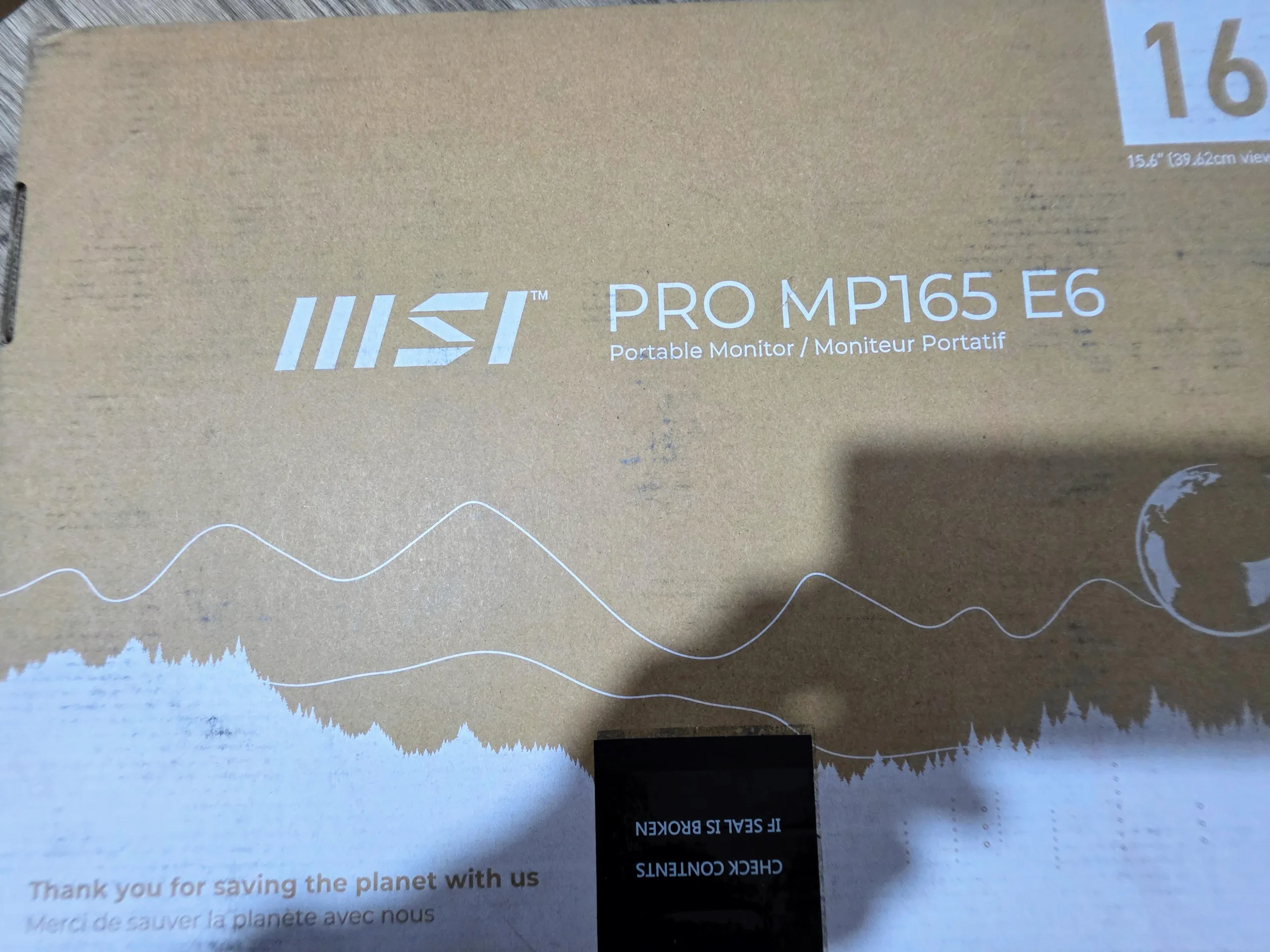

If you look at the MP165 E6 solely as a visual device, you will spot its weaknesses quickly. But once you start using it as a secondary data terminal, a teleprompter screen, or a dedicated chat display, the aggressive pricing makes total sense.
Core Specifications
| Category | MSI PRO MP165 E6 |
|---|---|
| Panel | 15.6-inch flat IPS, anti-glare |
| Resolution | 1920 x 1080 (FHD) |
| Refresh Rate | 60Hz |
| Response Time | 4ms (GtG) |
| Brightness | 250 nits (SDR) |
| Contrast | 1000:1 |
| Color Coverage | ~50% sRGB, 16.7M colors |
| Ports | 1x HDMI 2.0b, 2x USB-C (DP 1.2a Alt Mode / 15W PD) |
| Audio | Built-in 1W x2 speakers |
| Stand | Built-in folding kickstand (0 to 90 degrees) |
| Mounting | VESA 75 x 75 mm, 1/4-inch Tripod Socket |
| Weight & Dimensions | 1.72 lbs (0.78 kg) / 0.55 inches thick |
Quick reality check: The spec sheet highlights a massive trade off. You get incredible mounting versatility and port selection, but the severely limited sub-50 percent sRGB color gamut disqualifies this monitor for any serious creative workflow.
How The MP165 E6 Reads On Paper
- Hardware FundamentalsThe 15.6-inch 1080p IPS panel provides solid viewing angles and enough brightness for coffee shops, though the 60Hz refresh rate keeps it strictly in the productivity lane.
- Mounting VersatilityThe inclusion of a 1/4-inch tripod thread and a 75mm VESA mount transforms this from a basic travel screen into a highly versatile studio tool or permanent desk accessory.
- Desk Use RealityIt requires only a single USB-C cable for both power and display from supported laptops, keeping your mobile workspace completely free of cable clutter.
- Color Trade-OffsThe panel’s sub-50 percent sRGB coverage produces visibly washed-out color reproduction. The on-screen display menu buttons are also stiff and somewhat awkward to navigate.
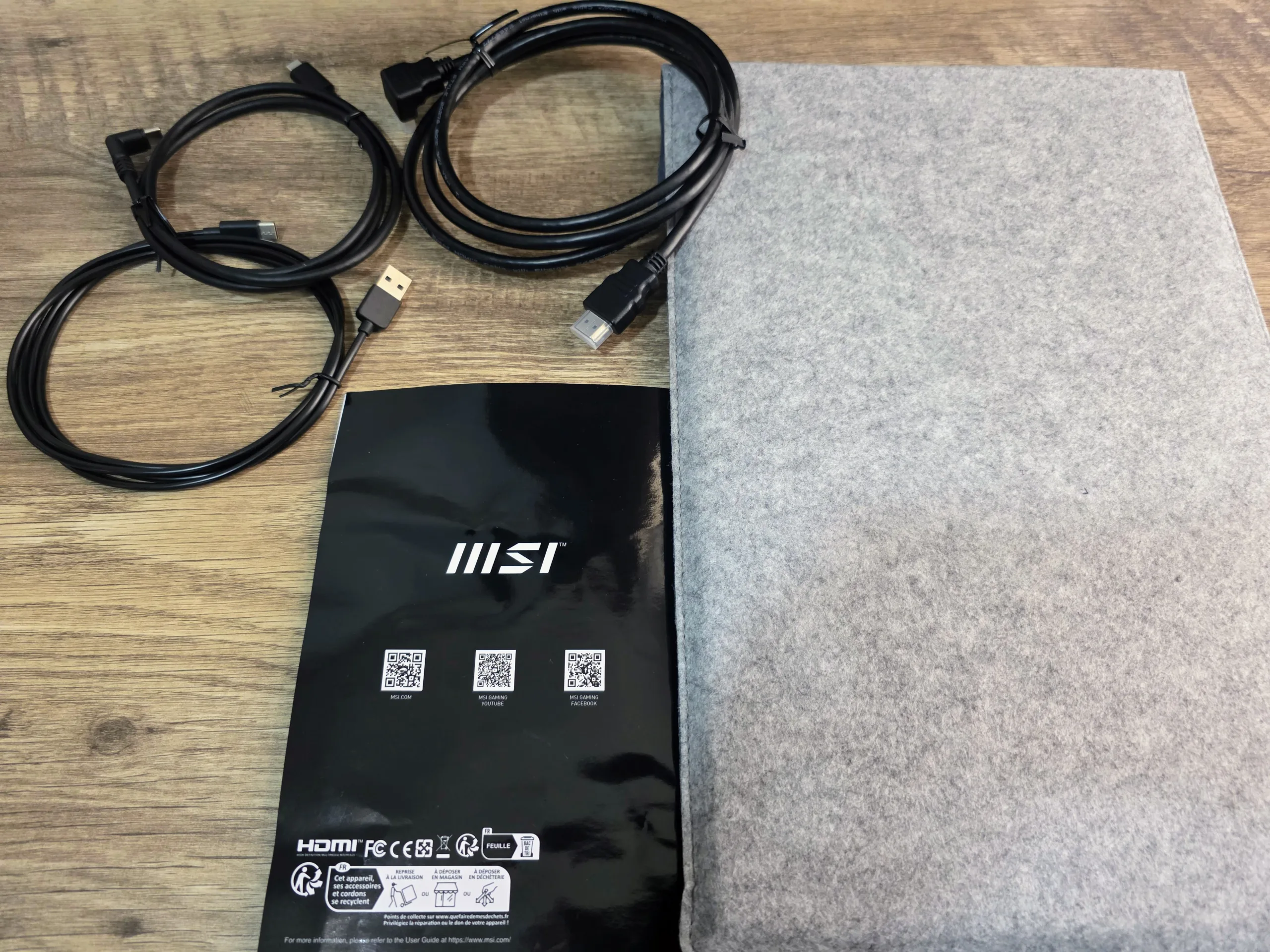
- Accessories That MatterMSI includes extremely thoughtful extras in the box, namely a protective carrying sleeve and L-shaped cables that prevent awkward wire bending at the ports.
- Why It MattersThis monitor focuses its tight budget entirely on physical features rather than pure visual fidelity, making it a rugged choice for users who prioritize utility over luxury.
The spec sheet perfectly outlines MSI’s design philosophy. They refused to cut corners on the chassis and included excellent quality of life accessories, fully accepting that the color accuracy would suffer as a result. The attraction lies purely in the combination of tri-mounting options and single cable operation at an entry level price.
Image Quality & Everyday Use
When evaluating a monitor at this specific price point, managing expectations is critical. The IPS panel offers excellent 178 degree viewing angles, meaning the screen will not wash out or invert colors if you sit slightly off center. While MSI officially rates the brightness at 250 nits, in our testing it felt adequately punchy, easily cutting through the glare of a brightly lit office thanks to a very effective anti-glare matte coating.
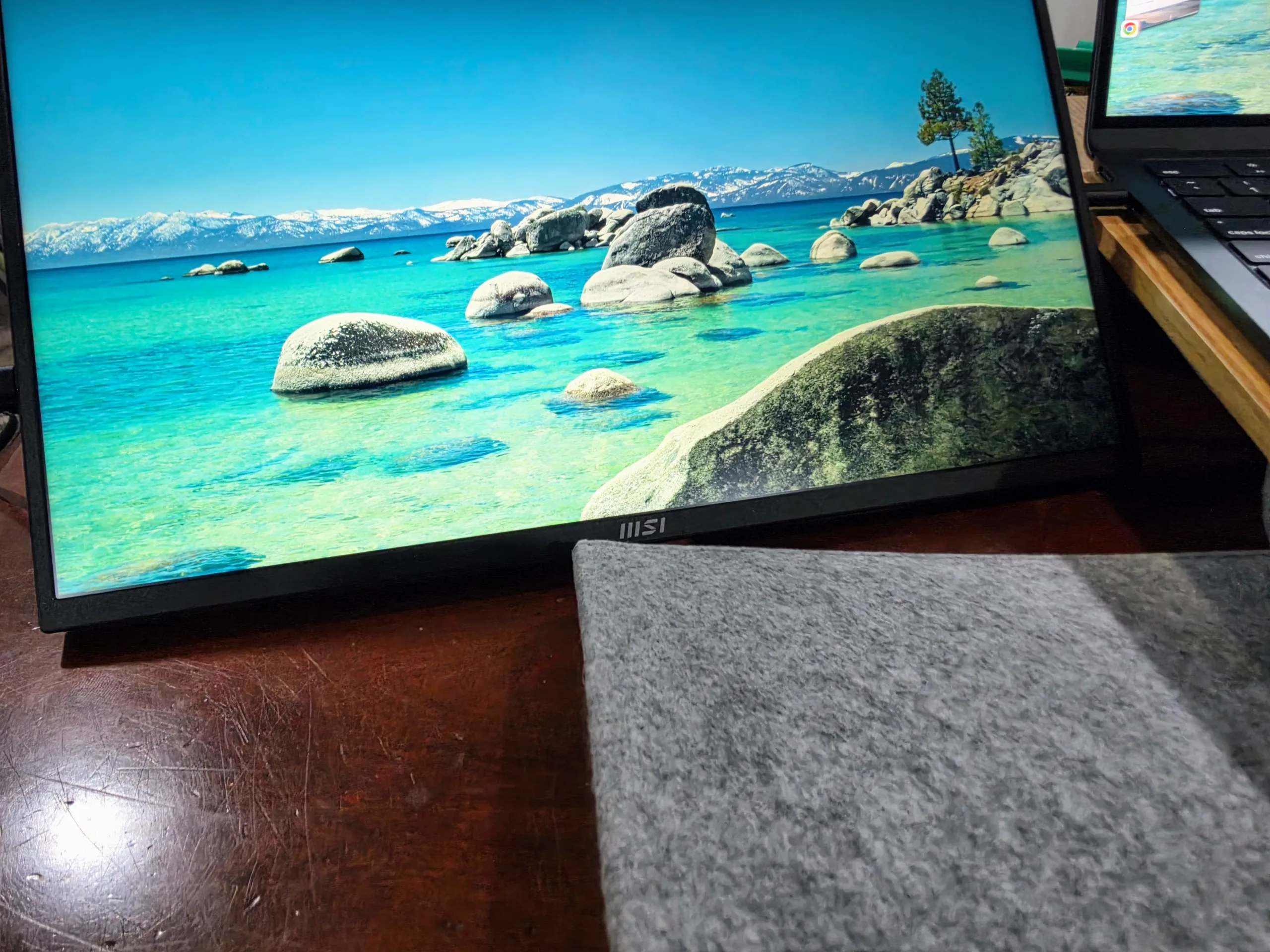
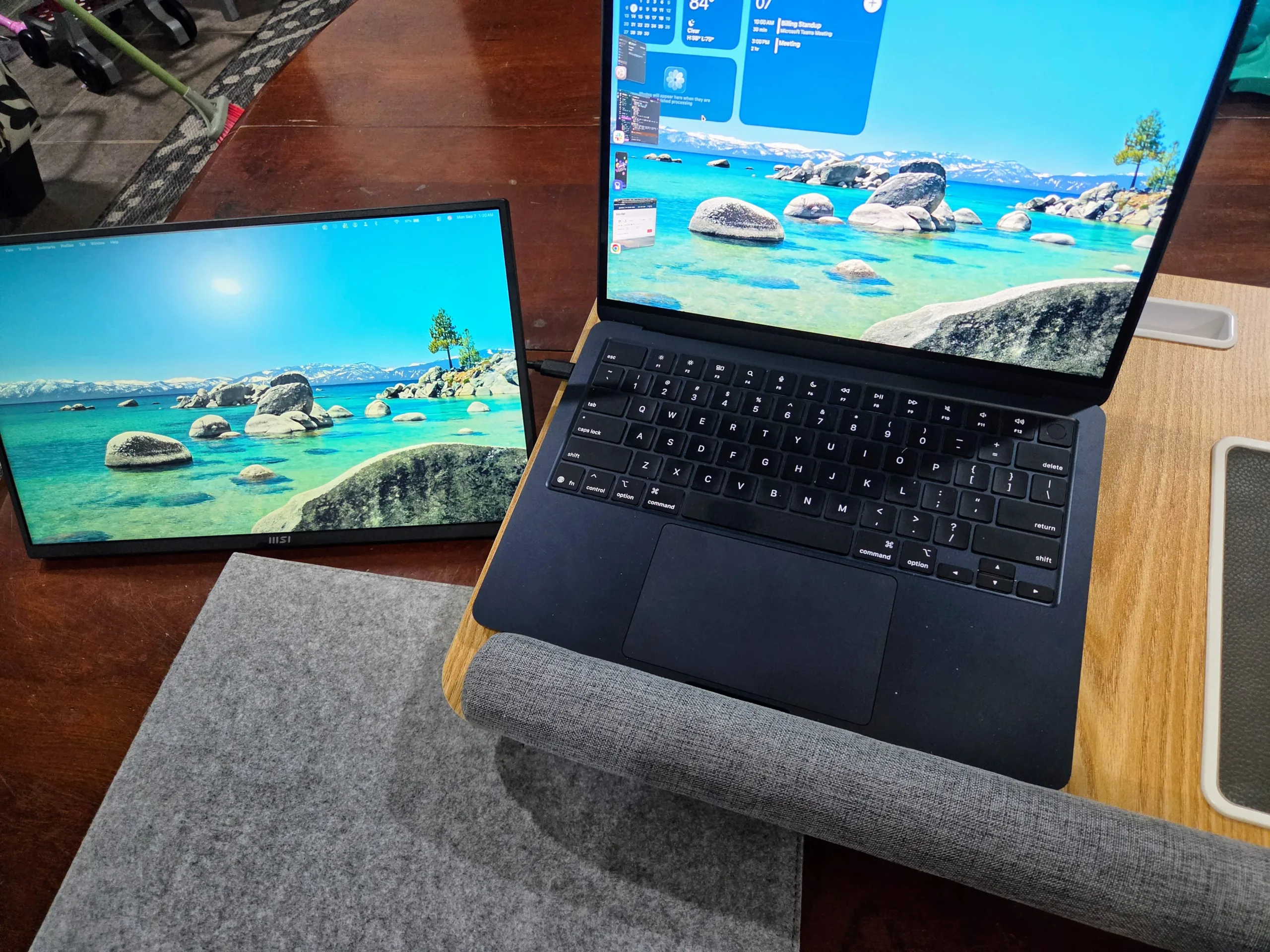

The major compromise here is the color reproduction. Measuring in at roughly 50 percent of the standard sRGB color space, the MP165 E6 looks noticeably dull compared to the vibrant OLED or high end IPS screens found on modern premium laptops. Deep reds tend to look a bit orange, and lush greens lack their usual pop.
If your daily workflow involves color grading, illustration, or heavy photo editing, this panel will absolutely let you down. However, for dragging over a spreadsheet, reading documentation, keeping Slack open, or acting as a dedicated Discord screen, the 1080p text clarity is perfectly adequate and entirely fit for purpose.
Design, Comfort & Build Quality
The physical build quality is where the MP165 E6 genuinely outclasses its competition. The chassis is a straightforward 0.55-inch thick slab of plastic weighing just 1.72 pounds. Unlike monitors that rely on flimsy magnetic folio covers to stand up, MSI integrated a sturdy folding kickstand that holds its angle without sagging or slipping on a smooth desk.
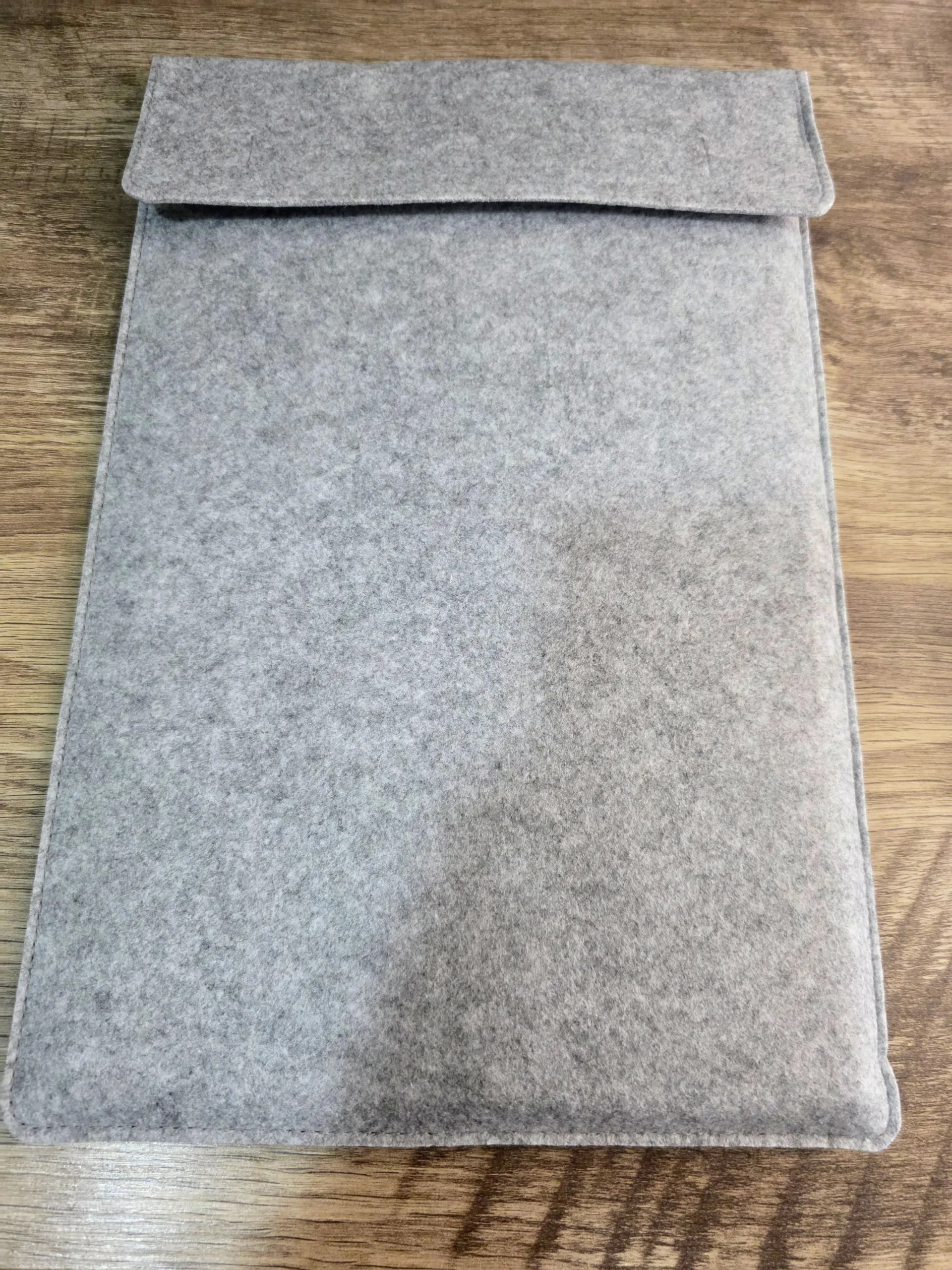
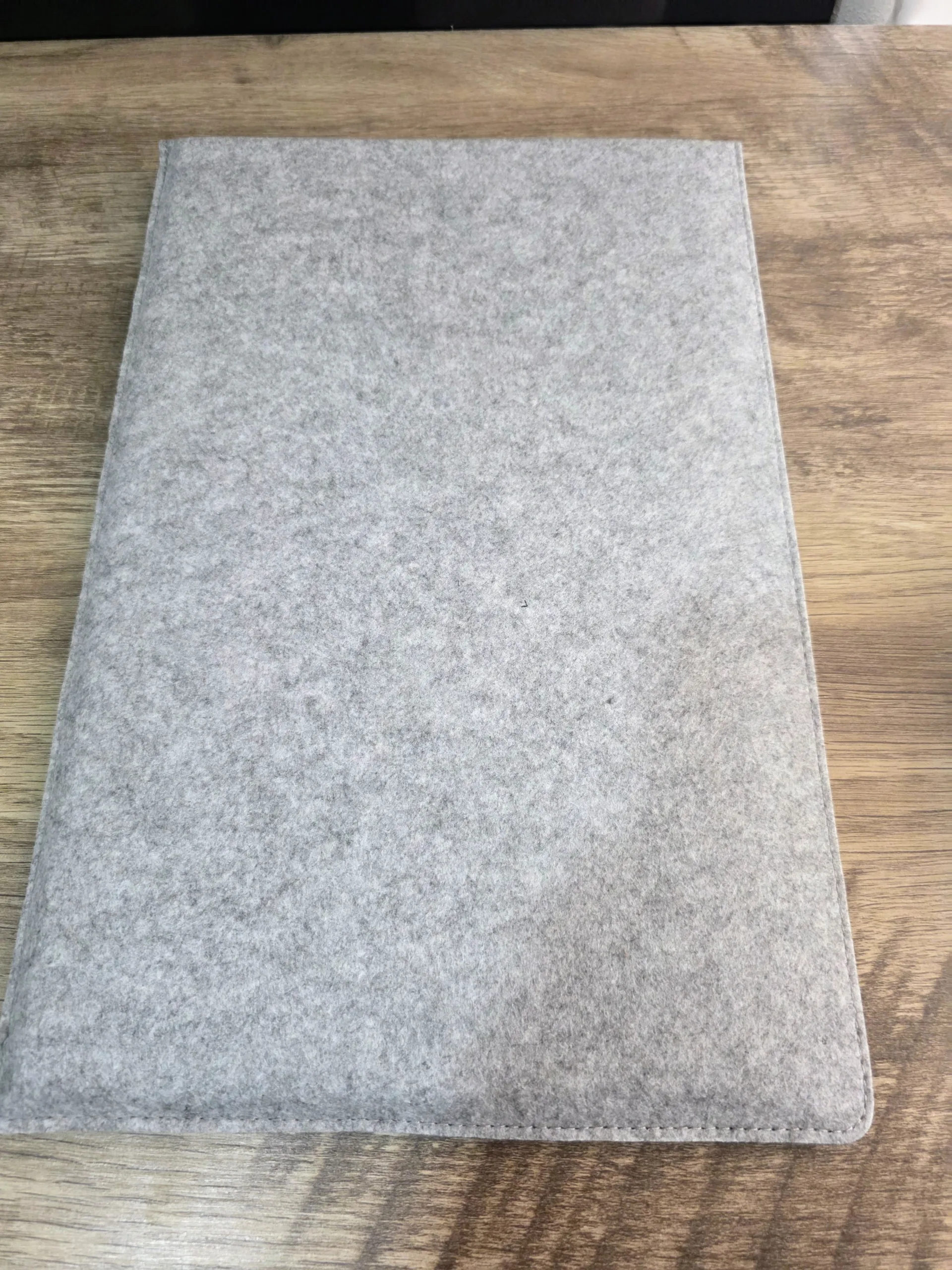
The physical design choices stand out most in the accessory kit. MSI’s decision to include L-shaped USB-C and HDMI cables in the box is a small detail that makes a real difference. Instead of thick wires sticking straight out of the side and eating up your mouse space, these cables route cleanly downwards. The included protective sleeve is another genuine win, offering just enough padding to let you throw the monitor into a backpack without anxiety.
On the negative side, the physical on-screen display buttons feel unrefined in day-to-day use. Navigating the brightness and volume menus takes a bit of patience, and adjusting settings on the fly is noticeably clumsier than it should be for a monitor this focused on portability.
The Tri-Mount Advantage
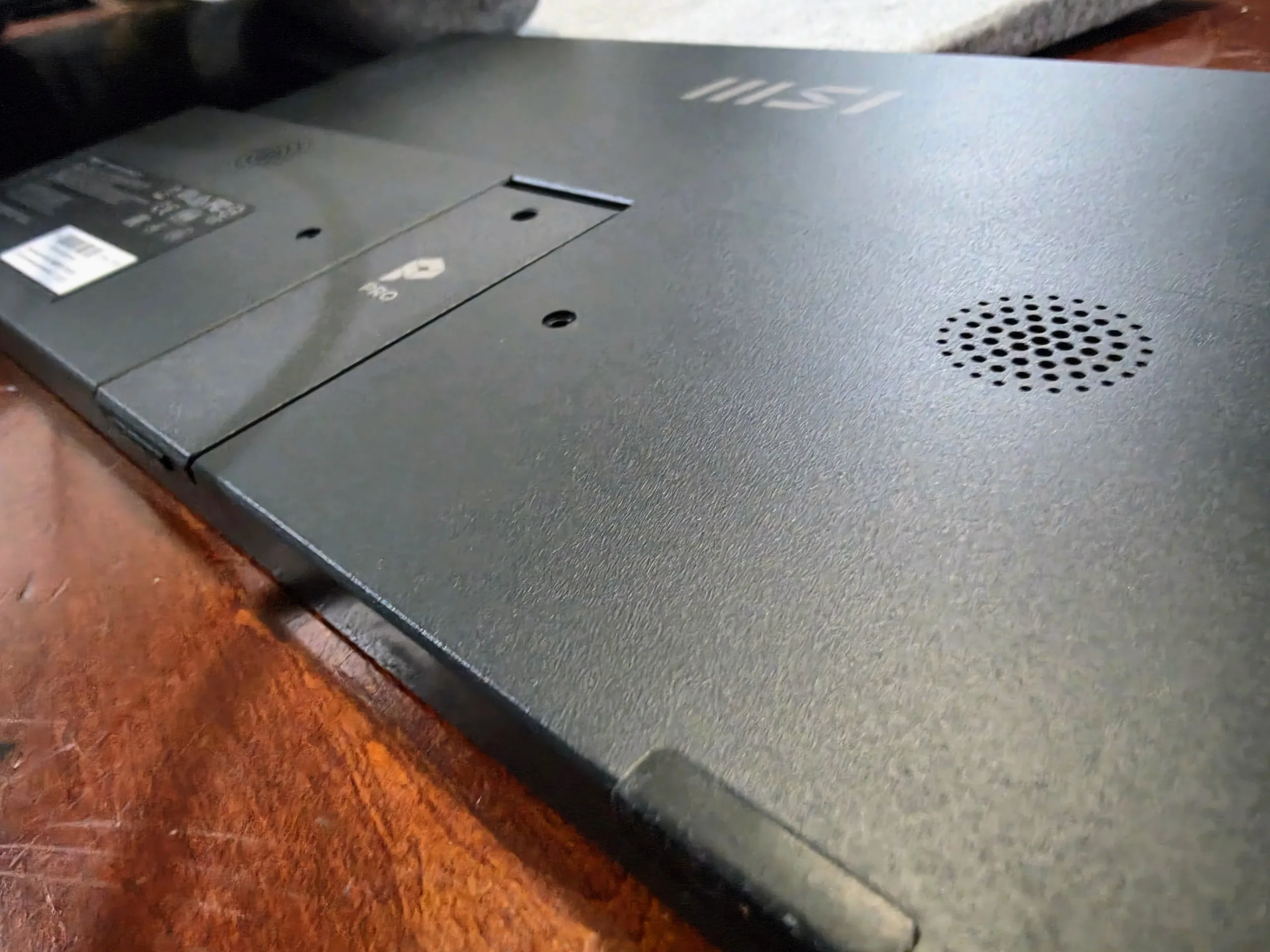
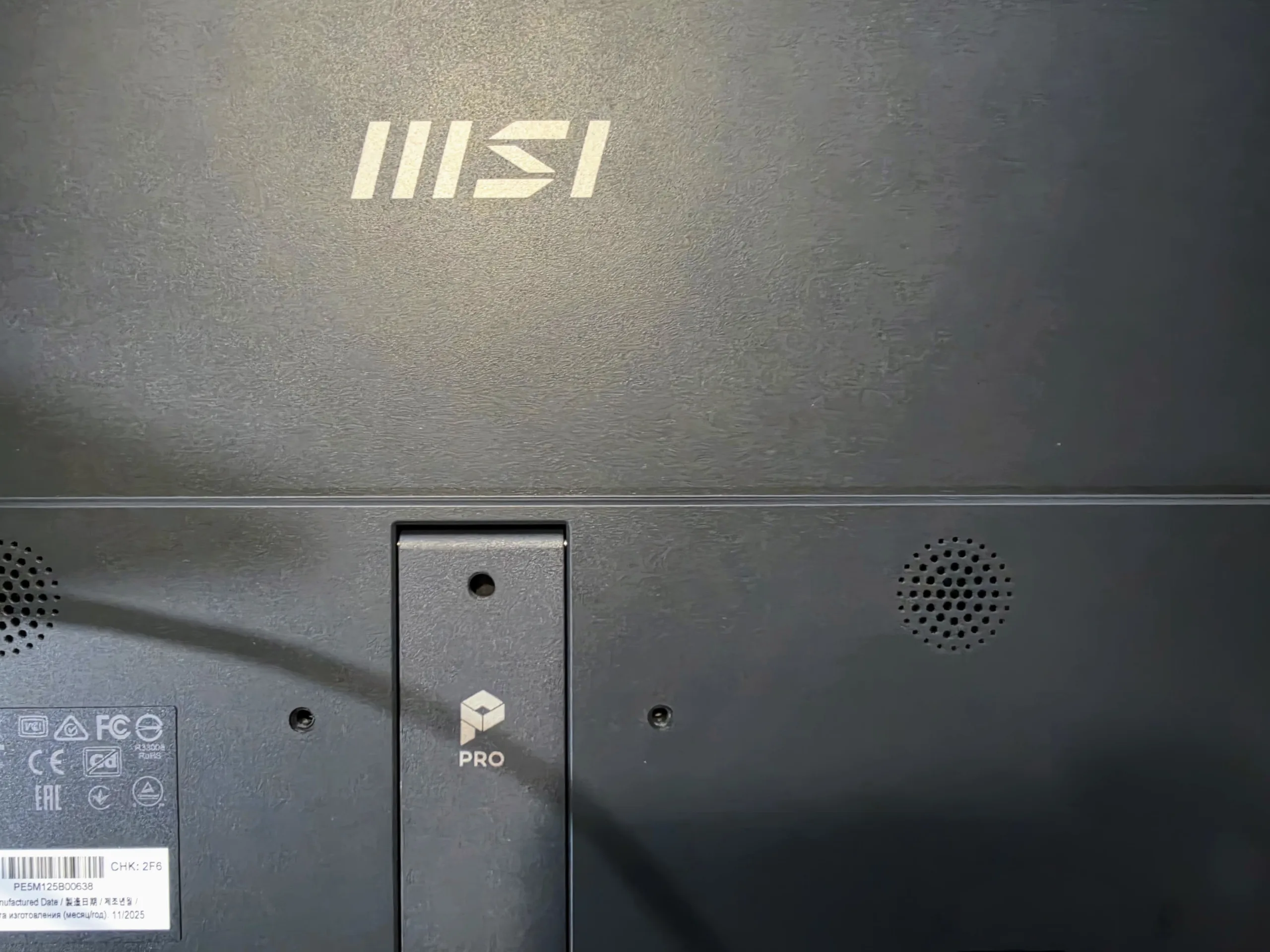
The mounting options are the absolute defining feature of the MP165 E6. Finding a portable monitor under $100 that features a 1/4-inch tripod socket is extremely rare. This single feature means photographers and videographers can easily mount the display to a cheap light stand to use as a large preview monitor or a portable teleprompter.
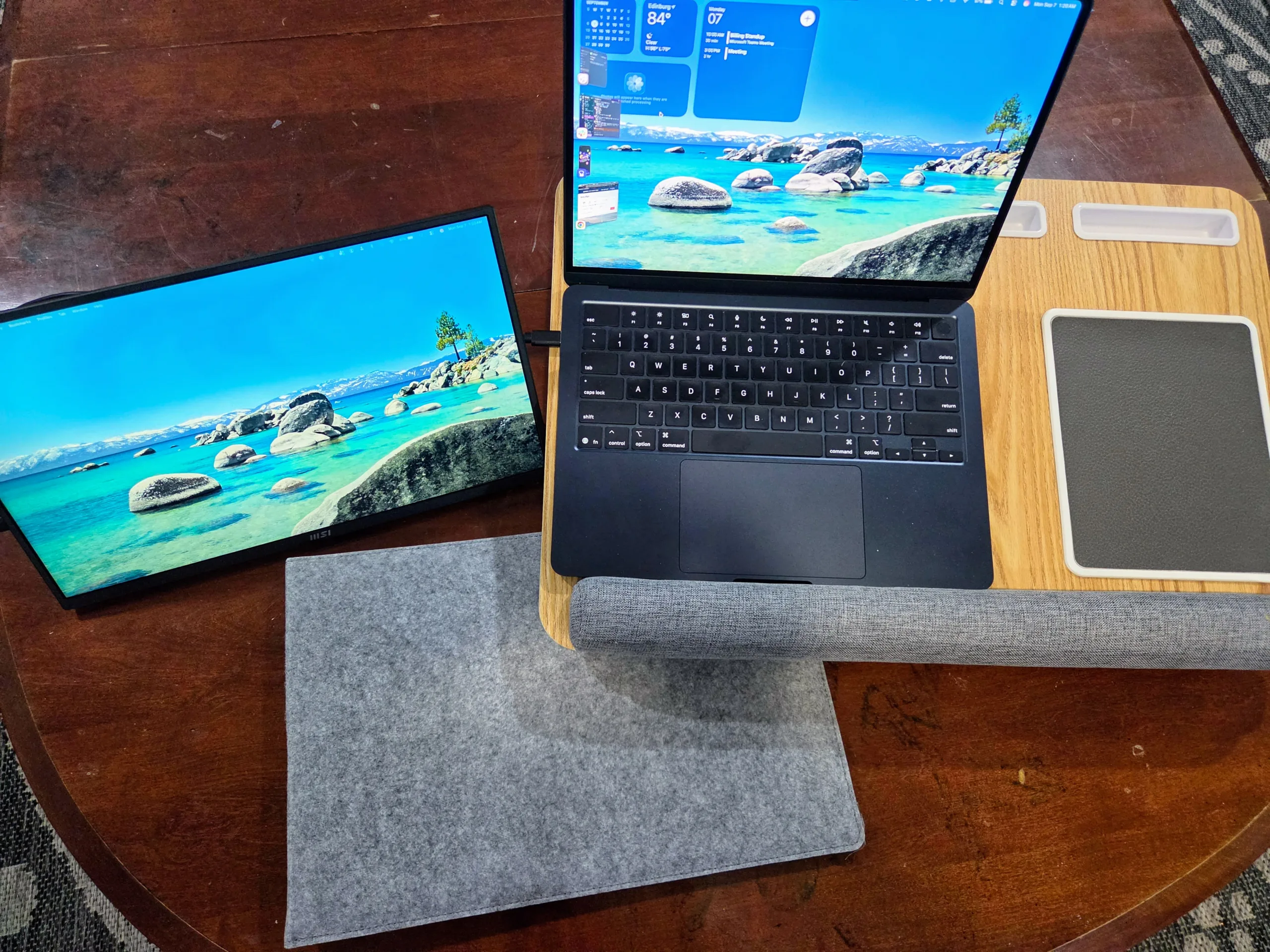
Furthermore, the 75x75mm VESA holes mean you can attach it to a standard monitor arm for a permanent, floating secondary display. This is perfect for minimalist setups where you want a second screen for chat applications but do not have the physical desk space for a massive 24-inch or 27-inch desktop monitor. It behaves like a true piece of studio utility gear, far surpassing the limitations of a standard travel screen.
The Real Competition
The MP165 E6 becomes easiest to evaluate when you compare it directly against the broader portable monitor market.
| Model | Use Case | Resolution / Refresh | Key Difference | Current Price Context |
|---|---|---|---|---|
| MSI PRO MP165 E6 | Rugged Travel & Utility | 15.6-inch 1080p / 60Hz | VESA mount, Tripod socket, L-shaped cables included | $69.99 – $89.99 |
| InnoView Portable 15.8 | Casual Budget Travel | 15.8-inch 1080p / 60Hz | Slightly larger screen, generic build, relies on folio stand | ~$75.00 Market Average |
| ASUS ZenScreen MB166C | Premium Office | 15.6-inch 1080p / 60Hz | Much better color accuracy, sleeker profile, lacks full HDMI | ~$120.00+ Market Average |
If you need excellent color accuracy to match your MacBook, you will need to spend significantly more money on an ASUS or a portable OLED display. But if you want the highest functional utility for the lowest possible price, the MSI thoroughly dominates the budget conversation.
The BabelTechReviews Verdict
The MSI Portable PRO MP165 E6 is a masterclass in knowing exactly who your target audience is. If you look at it purely as an entertainment device, the poor color gamut and basic 60Hz refresh rate make it hard to recommend for watching movies or playing visually rich games. But if you look at it as a dedicated productivity tool, it becomes incredibly compelling.
By intentionally trading color accuracy for physical utility, MSI created a portable monitor that actually solves hardware problems. The tripod mount is an absolute game changer for content creators who need an inexpensive teleprompter or camera monitor. The VESA mount allows desk users to add a permanent secondary screen without overwhelming their workspace. And the included L-shaped cables and protective sleeve prove that MSI actually tested this product in the real world.
The reasons to skip it are obvious. Do not buy this for Photoshop work. Do not buy this expecting deep, vibrant colors. But if you need an inexpensive, incredibly versatile secondary screen that survives travel and mounts to almost anything you throw at it, the MP165 E6 is one of the smartest budget buys currently on the market.
The Good
- Outstanding mounting options with both a 1/4-inch tripod socket and 75mm VESA holes.
- Single cable USB-C operation for both power and display.
- Included L-shaped cables keep your desk and workspace perfectly organized.
- Free protective carrying sleeve adds immense value for travelers.
- Anti-glare matte coating works exceptionally well in bright environments.
- Excellent price to performance ratio for pure productivity tasks.
The Bad
- Severely limited sRGB color gamut makes visual content look washed out.
- On screen menu buttons are stiff and slightly frustrating to use.
- 60Hz refresh rate offers only basic motion clarity.
- Built-in 1W speakers are very quiet and lack any real depth.