

MSI PRO MP273W E14A Review:
The White Office Monitor That Accidentally Learned to Game
A 27-inch matte-white IPS business monitor with a 144Hz refresh rate should not be this interesting at the low end of the market. But MSI quietly built a work-first screen that feels smoother than most office panels, looks cleaner on a desk than most gaming displays, and makes a stronger value argument than its plain business branding suggests.
Introduction
Some monitors are designed to impress from across the room. Others are designed to disappear into a desk setup and do their job without drama. The MSI PRO MP273W E14A belongs to the second group—at least until you read the spec sheet closely and notice something odd. This is a 27-inch 1080p IPS business monitor with a 144Hz refresh rate, 1ms MPRT / 4ms GtG, 48-144Hz Adaptive-Sync / FreeSync, 3W x2 speakers, 100 x 100 VESA support, and a clean matte-white chassis that looks more at home in a minimalist office than a gaming den.
That mix is what makes the MP273W E14A worth writing about. It is not a hidden flagship, not a bargain-bin disaster, and not a serious creator reference display. It is something much more practical: a budget hybrid that tries to serve office work, media consumption, and light gaming at the same time—without making your desk look like a teenager’s RGB shrine.
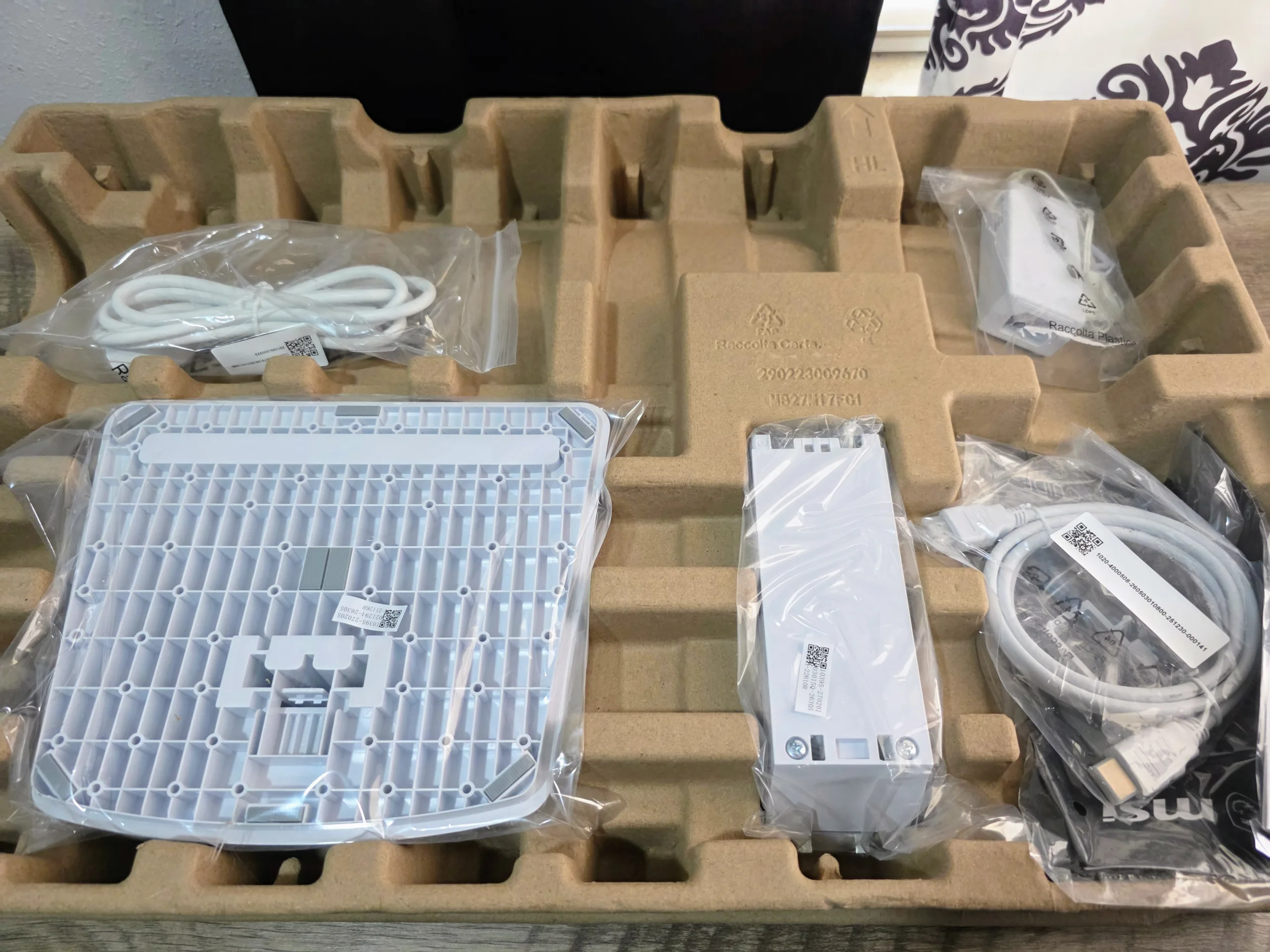
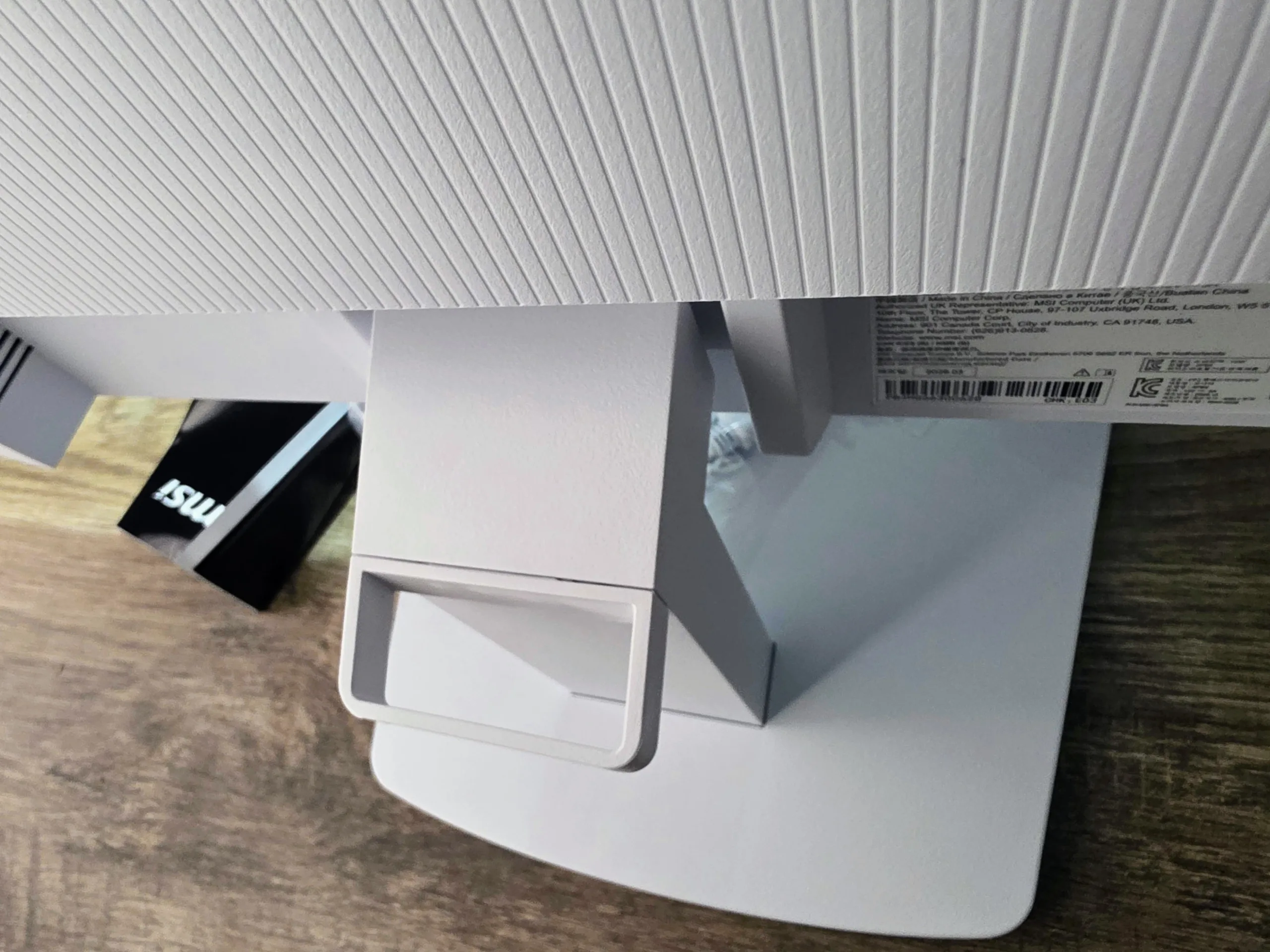
At current US street pricing, that pitch matters. MSI’s US store and B&H both have it at the low end of the range, while other retailers sit noticeably higher. That immediately frames this as a value discussion, not a premium one. If the price stays near the bottom of that range, the PRO MP273W E14A becomes a very easy product to understand: it is an office monitor with a gaming-adjacent motion spec, sold at a distinctly unpretentious price.
Core Specifications
| Category | MSI PRO MP273W E14A |
|---|---|
| Panel | 27-inch flat IPS, anti-glare |
| Resolution | 1920 x 1080 (FHD) |
| Refresh Rate | 144Hz |
| Response Time | 1ms MPRT / 4ms GtG |
| Brightness | 250 nits SDR |
| Contrast | 1500:1 |
| Color | 102% sRGB / 78% DCI-P3, 16.7M colors, 6-bit + FRC |
| VRR | AMD FreeSync / Adaptive-Sync, 48-144Hz |
| Ports | 1x HDMI 2.0, 1x DisplayPort 1.2a, 1x VGA, 1x headphone-out |
| Audio | Built-in 3W x2 speakers |
| Stand | Tilt only, -5° to 20° |
| Mounting | VESA 100 x 100 mm |
| Power | External adapter, 12V / 3A |
Quick reality check: The spec sheet is better than most entry office panels, but it is still anchored by two hard budget truths: 27-inch 1080p pixel density and a tilt-only stand. Everything that follows comes back to those two trade-offs.
How The MP273W E14A Reads On Paper
- Panel Fundamentals27-inch IPS, 1920 x 1080 resolution, 250-nit SDR brightness, 1500:1 contrast, and a matte anti-glare finish define the core visual profile.
- Color PositioningMSI rates the panel at 102% sRGB and 78% DCI-P3, which places it comfortably above bargain-basement office screens while stopping well short of creator-reference territory.
- Motion Behavior144Hz, 1ms MPRT, 4ms GtG, and 48-144Hz Adaptive-Sync give it a smoother desktop feel and more casual-gaming utility than most business displays in this price band.
- Desk Use RealityThe matte-white chassis, built-in 3W x2 speakers, VESA support, and legacy VGA input make it unusually flexible for home-office, school, and mixed-device setups.
- Main Trade-OffsThe compromises are easy to spot: 27-inch 1080p softness, a tilt-only stand, no USB-C, no hub, and HDR that exists more on the box than in the viewing experience.
- Why It MattersThat mix positions the MP273W E14A as a value-first hybrid screen rather than a pure gaming monitor or a serious business-class workstation display.
The official materials tell a very coherent story. MSI is not trying to build a premium creator monitor here. It is building a low-cost, visually tidy, office-friendly display that feels more fluid than the average business panel and more mature than the average cheap gaming monitor. The attraction is not any one individual spec. It is the combination of 144Hz smoothness, clean white styling, useful speakers, and an aggressively practical feature set at a low asking price.
Panel Performance Profile
The most important performance story here comes straight from the official spec sheet. On paper, the MP273W E14A is built to be a better-than-basic IPS office monitor rather than a color-critical creative display or a full-fledged HDR panel. That is a perfectly sensible target at this price, and the individual specs line up with that goal remarkably well.
| Metric | MSI Specification | Practical Takeaway |
|---|---|---|
| Peak SDR Brightness | 250 nits | Enough for normal indoor office and home use, but not bright enough to make HDR meaningful. |
| Native Contrast | 1500:1 | Stronger than many inexpensive IPS monitors and a good sign for everyday desktop depth and perceived image richness. |
| sRGB Coverage | 102% | Color should look lively and full for web use, streaming, and light content work without drifting into oversaturated gimmick territory. |
| DCI-P3 Coverage | 78% | Respectable for a mainstream monitor, but still short of what serious wide-gamut creative work demands. |
| Refresh & VRR | 144Hz, 48-144Hz Adaptive-Sync / FreeSync | The real differentiator: smoother desktop movement, cleaner scrolling, and a more enjoyable light-gaming experience than standard office panels. |
| Response Modes | 1ms MPRT / 4ms GtG | Useful motion options for the class, though MPRT remains a situational mode because it cannot coexist with Adaptive-Sync and other controls. |
Read together, those specs describe a monitor that should feel pleasantly lively in day-to-day use. The panel is bright enough for ordinary rooms, colorful enough to avoid looking washed out, and smooth enough to make a basic office display feel outdated by comparison. What it does not describe is a screen built for HDR impact, deep ergonomic tuning, or high-end creative precision. The MP273W E14A wins by being balanced, not by pretending to be something it is not.
Short version: expect a clean, comfortable, above-average budget IPS experience with genuinely useful 144Hz smoothness. Expect decent color, respectable contrast, and good everyday versatility. Do not expect the sharpness of 27-inch 1440p or the dynamic punch of a real HDR display.
Design, Build Quality & Desk Presence
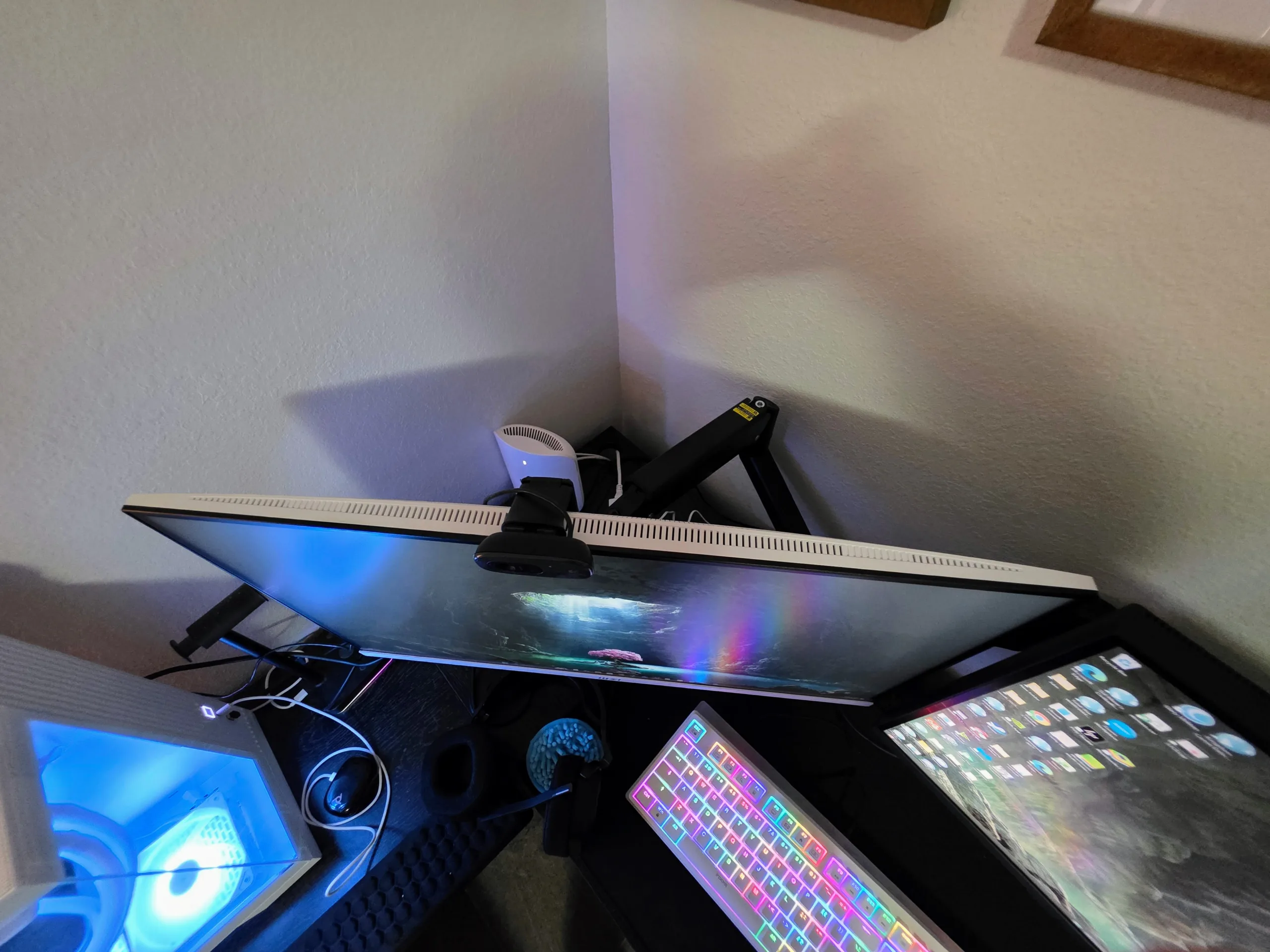
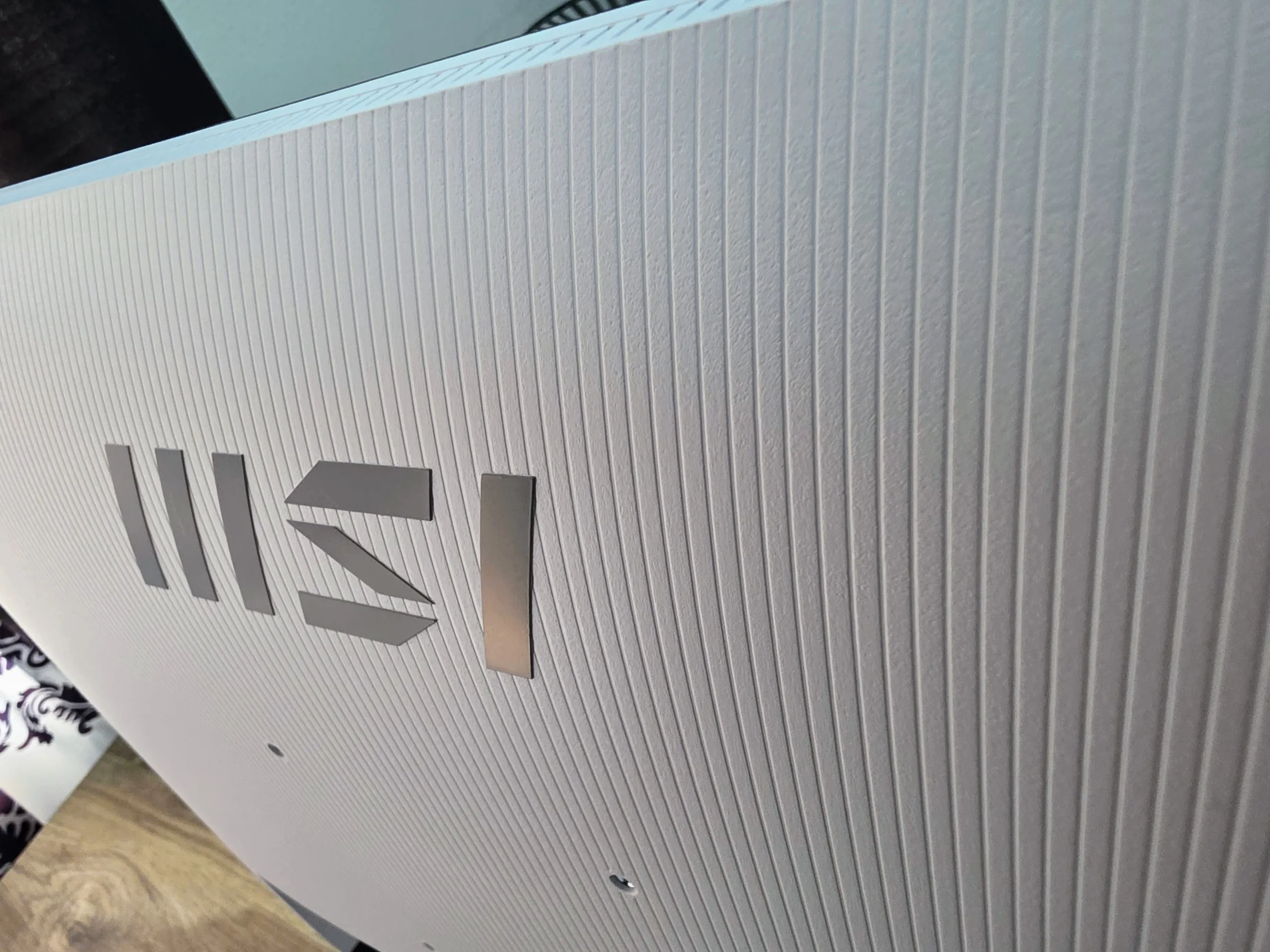
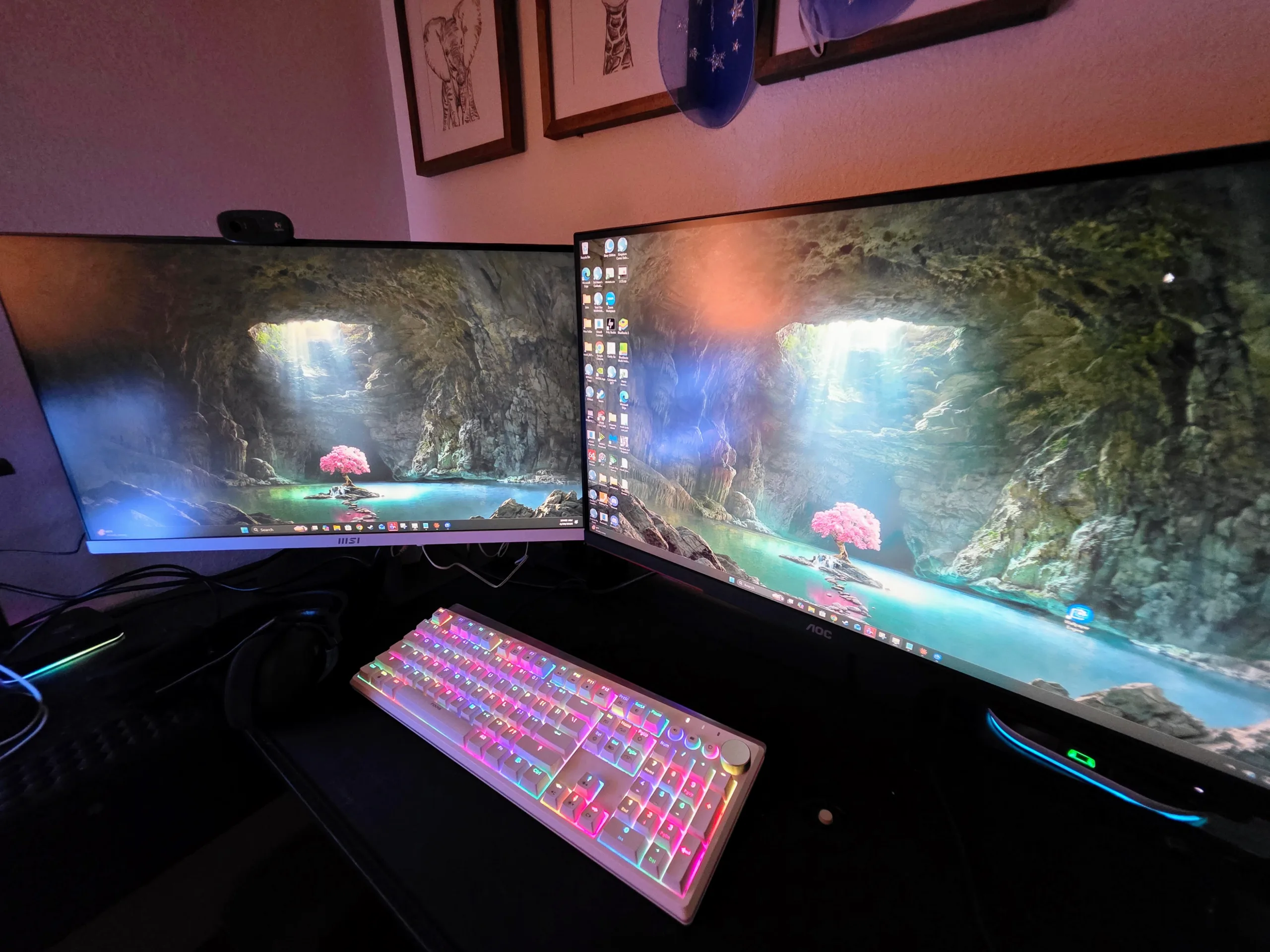
The design language is one of the monitor’s clearest selling points. MSI’s matte-white chassis, thin-bezel “PerfectEdge” styling, and compact base make the PRO MP273W E14A look intentionally cleaner than most cheap 27-inch displays. This matters more than many spec enthusiasts admit. Plenty of buyers want a screen that blends into a home office, study space, creator nook, or light-colored dual-monitor setup instead of dominating it.
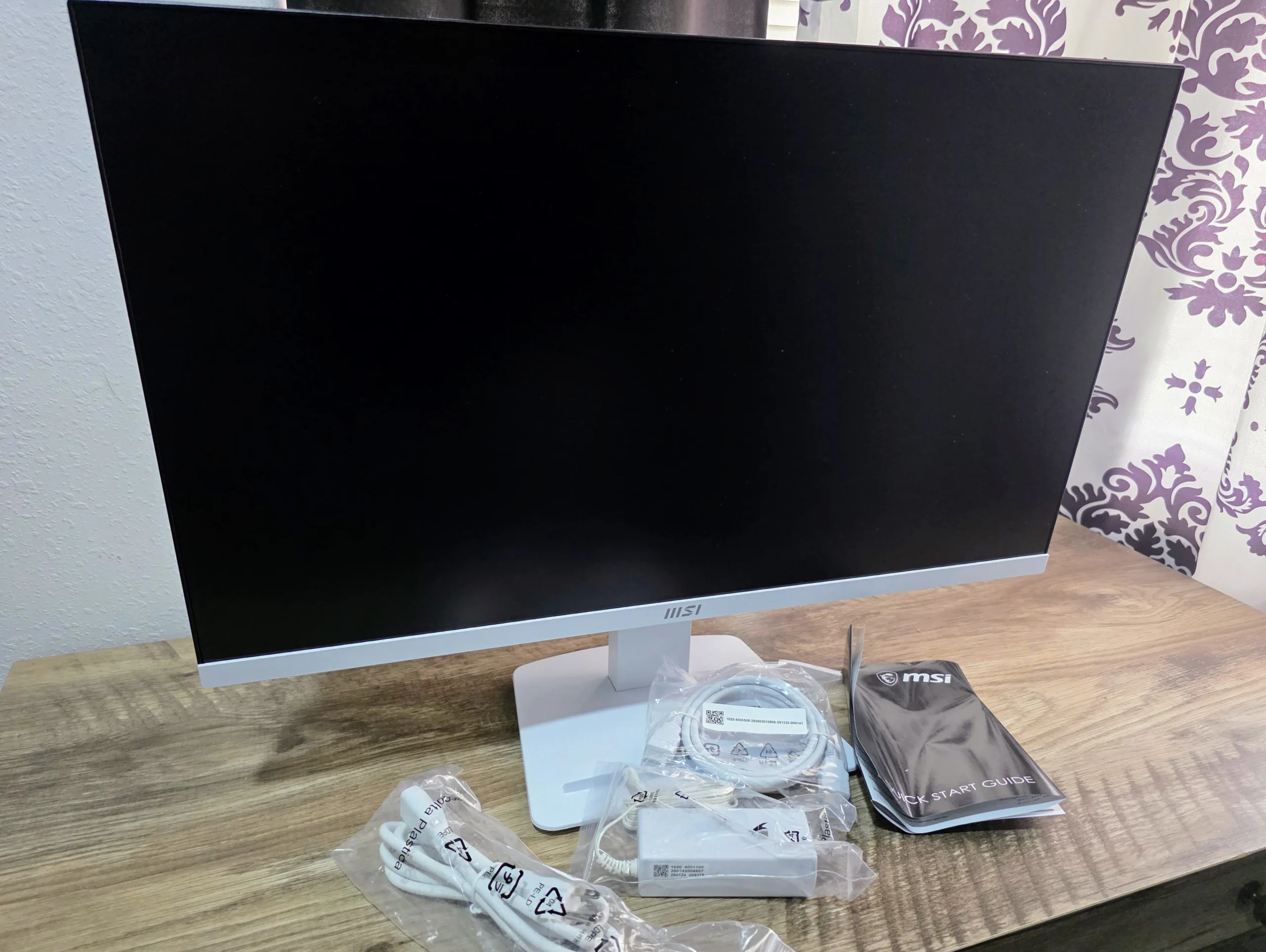
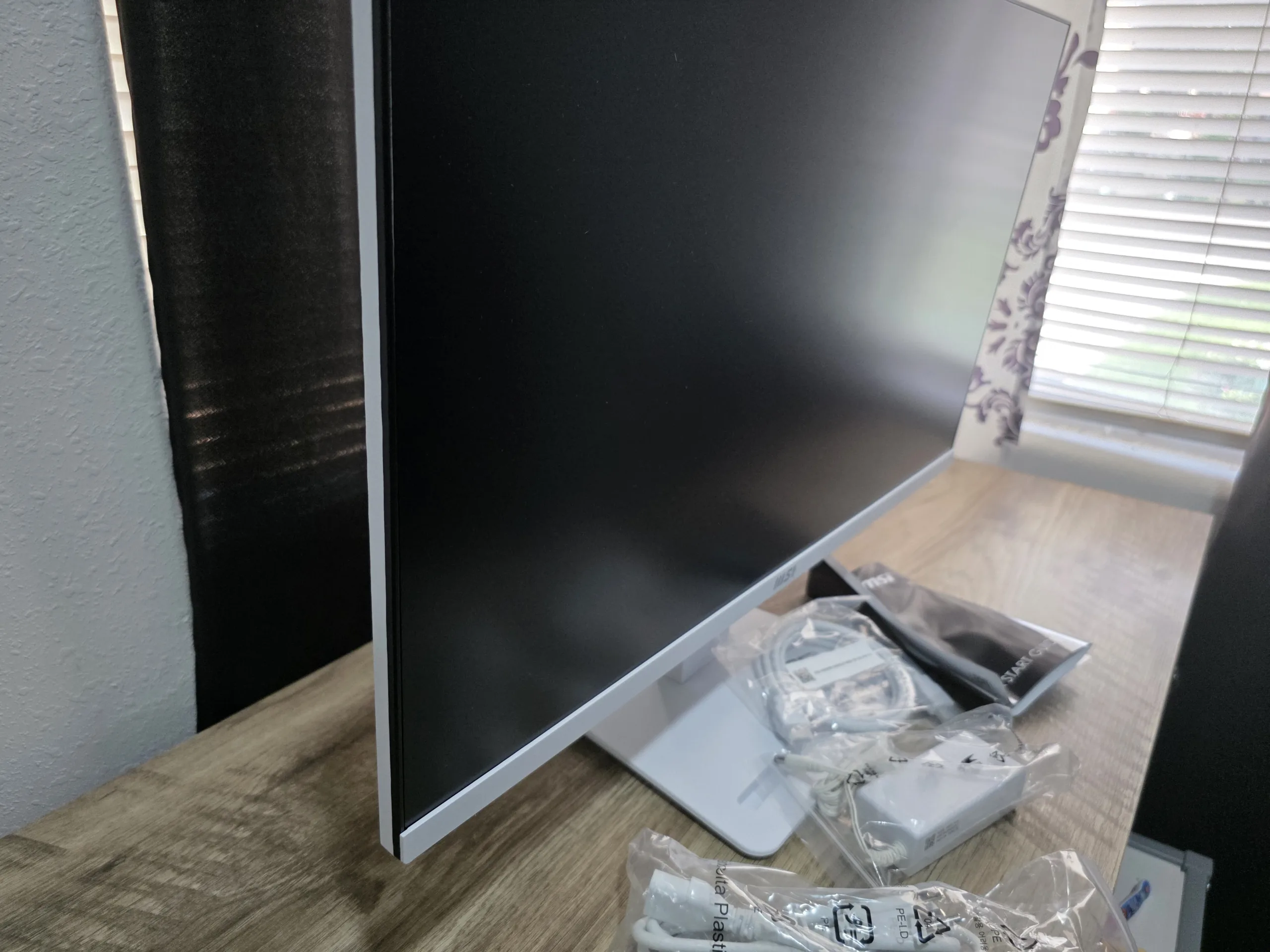
MSI also handles the basics competently. The user guide shows tool-free assembly, a cable organizer, an integrated Navi Key / power button, and the little accessory slot in the base that can hold a phone or small desk item. None of that is revolutionary, but it is exactly the kind of low-cost hardware thoughtfulness that makes a budget monitor feel finished instead of disposable.
The ergonomic concession is obvious and important: the included stand only supports tilt. There is no height adjustment, no swivel, and no pivot. For a true business monitor, that is the biggest weakness in the entire design. The saving grace is that MSI did not cheap out on 100 x 100 VESA support. On an arm, most of the ergonomic criticism disappears instantly. On the stock stand, it remains a clear compromise.


Panel Quality, Text Clarity & Everyday Image Quality
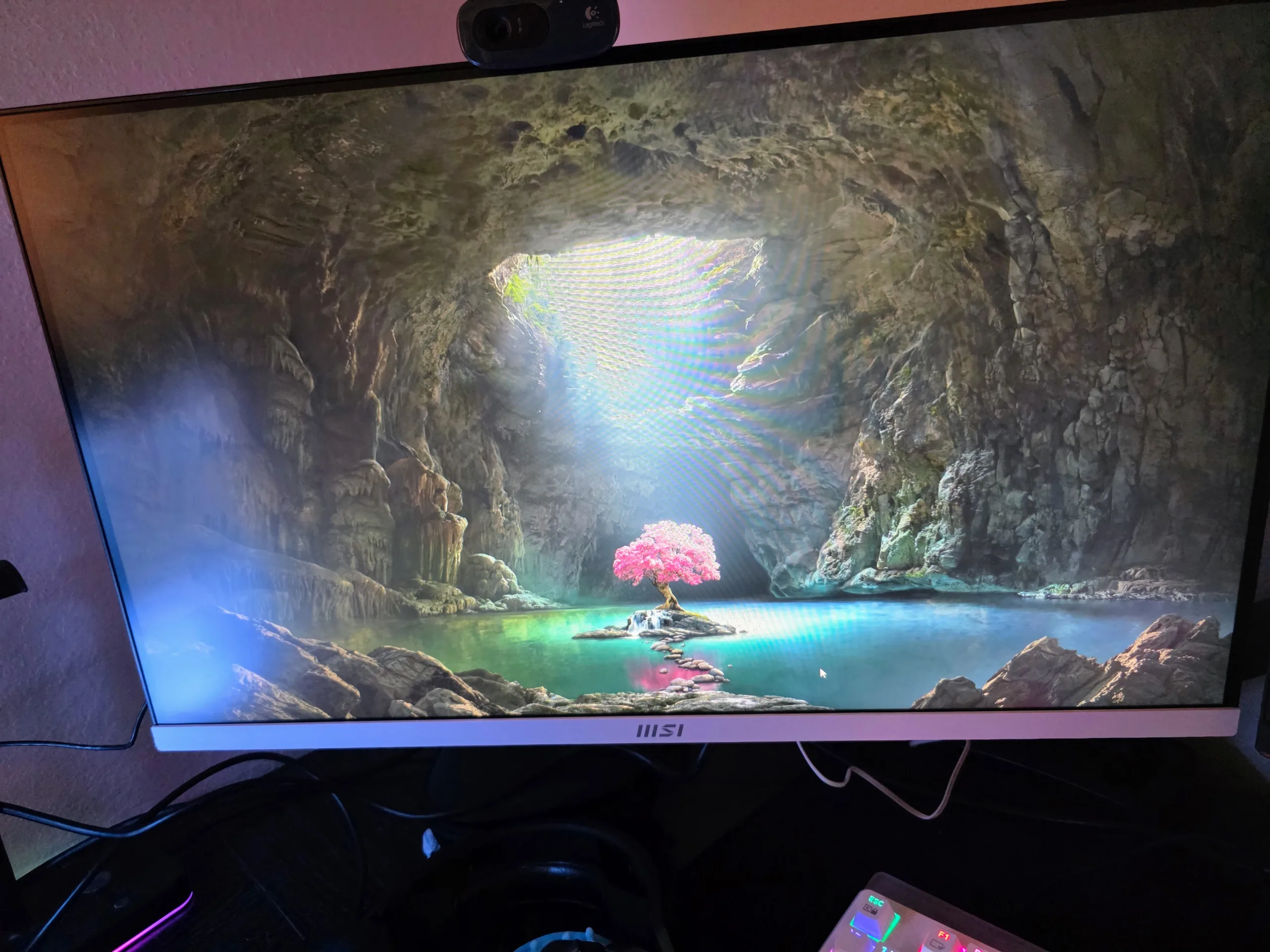
This is not a secret pro-color monitor. It is a mainstream IPS panel with an unusually attractive spec mix for the price. On paper, the 1500:1 contrast target is better than many ordinary IPS office displays, the quoted 102% sRGB should keep colors from feeling washed out, and the anti-glare surface plus eye-comfort stack give it the right starting point for long hours of desktop use.
The real compromise is not color. It is pixel density. A 27-inch 1080p display can absolutely work, but it is not sharp by current desktop standards. Text edges are softer than they are on a 27-inch 1440p screen, UI elements look larger and less refined, and anyone who spends all day reading dense text or editing fine typography will notice it. That matters more on a business monitor than it would on a couch-gaming screen.
That does not make the panel a bad choice. It makes it a very specific one. If your desk sits a little farther back, your workload is mixed, and you care about smoothness, cost, and styling more than surgical text clarity, the trade holds together. If text crispness is your top priority, the model to compare against is not another gaming monitor—it is MSI’s own PRO MP275Q, because that is where 27-inch desktop use starts making more sense from a resolution standpoint.
BTR translation: for documents, web, YouTube, Slack, Zoom, and light Photoshop or Premiere work, the MP273W E14A is likely to feel pleasant enough. For coding, spreadsheet density, and users who are obsessive about font rendering, 1440p is still the smarter 27-inch target.
The 144Hz Advantage: Why This Screen Is More Interesting Than It Looks
This is where the monitor stops being generic. A 144Hz refresh rate on a business display is not just a marketing flourish. It makes a visible difference in the things people do all day: scrolling long pages, dragging windows, moving a cursor, scrubbing timelines, and hopping between desktop tasks. Once you are used to high refresh on a PC, going back to 60Hz office panels feels instantly older than it should.
For actual gaming, the MP273W E14A is not pretending to be a tournament display. But for casual shooters, RPGs, racing games, emulation, indie titles, console use, and lower-intensity multiplayer, 144Hz plus Adaptive-Sync is a meaningful quality-of-life upgrade over the 75Hz or 100Hz office class. In that sense, MSI is not wrong to quietly market it as “Game Ready” even though the chassis says “Productivity.”
OSD Interactions You Need To Know
| Feature | What It Does | What It Disables / Changes | BTR Recommendation |
|---|---|---|---|
| MPRT | Blur-reduction mode available above 85Hz | Disables Response Time selection, Brightness adjustment, HDCR, and Adaptive-Sync | Use only as a situational toggle for motion clarity experiments. |
| Adaptive-Sync | Variable refresh to reduce tearing / judder | Forces MPRT off | Best default for mixed desktop + gaming use. |
| HDCR | Contrast enhancement mode | Locks Brightness and forces MPRT off | Fine to try for video, not essential for serious desktop work. |
| HDMI VRR | VRR over HDMI, tied to Adaptive-Sync state | Depends on Adaptive-Sync ON/OFF | Relevant for console / HDMI-PC users running 1080p120 or 144Hz. |
The clean setup path is simple. Run Adaptive-Sync ON for normal use, keep response tuning sensible, and leave MPRT as a specialist toggle rather than a permanent mode. MSI’s own manual makes it clear that not all headline features can coexist, which is normal at this price, but worth spelling out in a review because spec sheets almost never do.
Eye Care, OSD, Speakers & Connectivity
MSI is trying to make this monitor feel more office-legitimate than its raw price would suggest. The EyesErgo package includes anti-flicker, low blue light, Eye-Q Check, posture correction prompts, and self-check tools that are obviously more marketing-friendly than medically important—but flicker control, matte treatment, and break reminders absolutely do matter on a screen that may spend eight hours a day showing documents.
The OSD is also more robust than usual for a budget office monitor. You get multiple picture modes, response-time control, screen assistance, refresh-rate display, alarm clock, customizable Navi Key shortcuts, and the usual brightness / contrast / sharpness adjustments. That is not luxury territory, but it is solid functionality for the class.
Connectivity is pragmatic rather than glamorous: one HDMI 2.0, one DisplayPort 1.2a, one VGA, and a headphone-out jack. The VGA port is not sexy, but it is useful in offices, schools, and legacy environments. The missing pieces are more telling: no USB-C, no USB hub, no KVM, and no PIP/PBP. If you need those, this is simply the wrong tier of product.
The built-in 3W x2 speakers are one of those small conveniences that matter more in practice than on paper. Nobody should buy the monitor for audio fidelity, but for system sounds, YouTube, video calls, and a minimal-cable workspace, they make the monitor more self-sufficient than many cheap gaming alternatives.
The Real Competition: MSI’s Own Lineup
The MP273W E14A becomes easiest to judge when you compare it against nearby MSI models that expose its trade-offs directly.
| Model | Use Case | Resolution / Refresh | Brightness / Contrast | Key Difference | Current Price Context |
|---|---|---|---|---|---|
| PRO MP273W E14A | Work / home / light gaming hybrid | 27-inch 1080p / 144Hz | 250 nits / 1500:1 | White design, speakers, VGA, EyesErgo, 144Hz | $109.99 at MSI and B&H |
| G275L E14 | Cheaper gaming-first alternative | 27-inch 1080p / 144Hz | 300 nits / 1500:1 | Black gaming styling, no speakers, no VGA, brighter panel, lower price | $99.99 at MSI |
| PRO MP275Q | Sharper productivity-first upgrade | 27-inch 1440p / 100Hz | 300 nits / 1300:1 | QHD sharpness, 100Hz, black chassis, 2W speakers | $139.99 at MSI |
This is the heart of the buying decision. If you want the highest raw value for cheap 1080p 144Hz gaming, the G275L E14 is a problem for the MP273W E14A because it undercuts it. If you want the right resolution for 27-inch office use, the PRO MP275Q is a problem because it is not that much more expensive. The MP273W E14A wins a narrower argument than a generic “best monitor” headline would imply.
Who this model is really for: the buyer who specifically wants the white chassis, the office-safe styling, the built-in speakers, the legacy VGA input, and the smoother feel of 144Hz desktop use without paying enough to move into a more feature-rich productivity tier.
The BabelTechReviews Verdict
The MSI PRO MP273W E14A is not a monitor that makes sense from one angle only. Look at it as a strict productivity panel and the 27-inch 1080p resolution raises fair objections. Look at it as a gaming display and the 250-nit HDR Ready / tilt-only / no-USB-C reality keeps expectations in check. But look at it as a budget hybrid—a smooth, clean-looking, office-friendly 27-inch IPS display that can also handle casual gaming without embarrassment—and the product suddenly becomes very easy to like.
The smartest thing MSI did here was not the color gamut claim or the HDR badge. It was putting 144Hz into a business-oriented shell and then pricing it aggressively enough that the weirdness becomes appealing instead of confusing. Smooth scrolling and cursor movement really do improve daily life. Built-in speakers really are handy on a clean desk. VESA support really does rescue the ergonomics story. And the white chassis really does make it feel more intentional than a lot of low-end black plastic alternatives.
The reasons not to buy it are equally clear. If you care deeply about text sharpness, buy 1440p. If you need a proper ergonomic stand, buy a better business display or budget for an arm immediately. If you want real HDR or richer connectivity, this is not your tier. But if you want a value-first work/play monitor with clean aesthetics and unexpectedly modern motion, the MP273W E14A is exactly the kind of niche product that deserves a warm BTR-style recommendation.
The Good
- 144Hz genuinely improves desktop smoothness and casual gaming.
- Matte-white chassis looks excellent in clean office and creator setups.
- IPS panel specs are respectable for the price tier.
- Built-in 3W x2 speakers are more useful than most cheap monitor audio.
- VESA 100 x 100 support saves the ergonomics story.
- HDMI, DisplayPort, and VGA cover both modern and legacy use cases.
- EyesErgo, anti-flicker, low blue light, and Eye-Q features fit long-session use.
- Current low-end street pricing is aggressive enough to make the trade-offs understandable.
The Bad
- 27-inch 1080p is the wrong density for users obsessed with text crispness.
- Tilt-only stand is a real business-monitor weakness out of the box.
- HDR Ready is a check-box feature, not meaningful HDR performance.
- MPRT cannot coexist with Adaptive-Sync, HDCR, or free Brightness control.
- No USB-C, no USB hub, no KVM, and no PIP/PBP.
- The strongest internal competition comes from MSI’s own cheaper gaming model and sharper 1440p office model.